Even before quarantine, studies showed that we look at our phones 80+ times a day – and based on our own news and social media scrolling amidst this crisis, it’s likely gone up.

Category: All Ages
Even before quarantine, studies showed that we look at our phones 80+ times a day – and based on our own news and social media scrolling amidst this crisis, it’s likely gone up.

In the thick of flurries of group texting, news checking, and zoom scheduling, you might sense that you—and your kids—are online more than ever. But just like our devices need to recharge, so do we. If you are looking for a couple of zones to designate as “device-free”—we suggest tables and bedtimes.

During this time when kids are likely on screens longer and with less supervision, they are more likely to accidentally stumble onto unsavory content. If you haven’t yet installed filters and controls on your child’s devices, now is a great time. Here are a few ideas to help your family navigate the internet with a safety net.

In national surveys, families report that the number one battleground is managing technology. During this time of quarantine, we encourage you to get ahead of those battles by adopting consistent rhythms for screen use. Let consistent, predictable patterns “be the bad guy” so you don’t have to.

We are in an unprecedented time and one where many more families will be spending a lot more time together. Here are some tips about how to be intentional about time offline and time online.
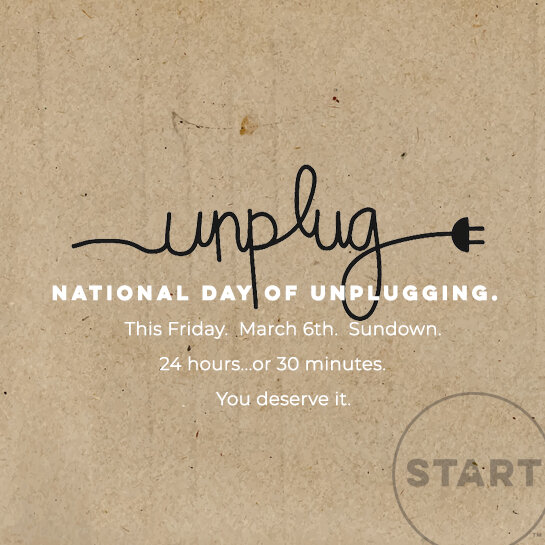
We know it might not be practical for every family to make it 24 hours offline—so even if you can only find 30 minutes to unplug and connect with your favorite people, we say it counts! If you want a fun way to let people know you are unplugging, grab an “I unplug” poster here and post it on social media as an “out of office” type message.

Thinking of trying a device-free Thanksgiving table? Check out these tips and tricks from our friends at The Family Dinner Project. Happy Thanksgiving from START, where we believe that the good old days are yet to come.

At START, we want to help parents take a “driver’s ed” approach when helping kids learn to drive in the digital world. We call this process “Ride. Practice. Drive.” It’s a simple, but powerful tool you can pull out the next time your child or teen asks for a new app or smart device. Here’s how it works.

One of our START Rules of Thumb is: Ride. Practice. Drive… use a driver’s ed approach to tech training. The idea is that before your kid is ready to drive a smart device independently, there is a learner’s permit season—where you log hours in the passenger seat, coaching them for the road. Not sure where to start coaching? We loved these tips from Melissa Griffin, also known as “HR Mom.”

We’re not gonna lie: during the summertime chaos, a little screentime can be such a gift—helping everyone in the family to mentally reset. But we were recently reminded by Lin-Manuel Miranda of another good old fashioned trick that might be worth sprinkling into the summer chaos—time alone.